Shark AI and Matrix robots use cameras for object avoidance. Learn how to clean blocked cameras, fix false obstacle detection, and improve navigation.
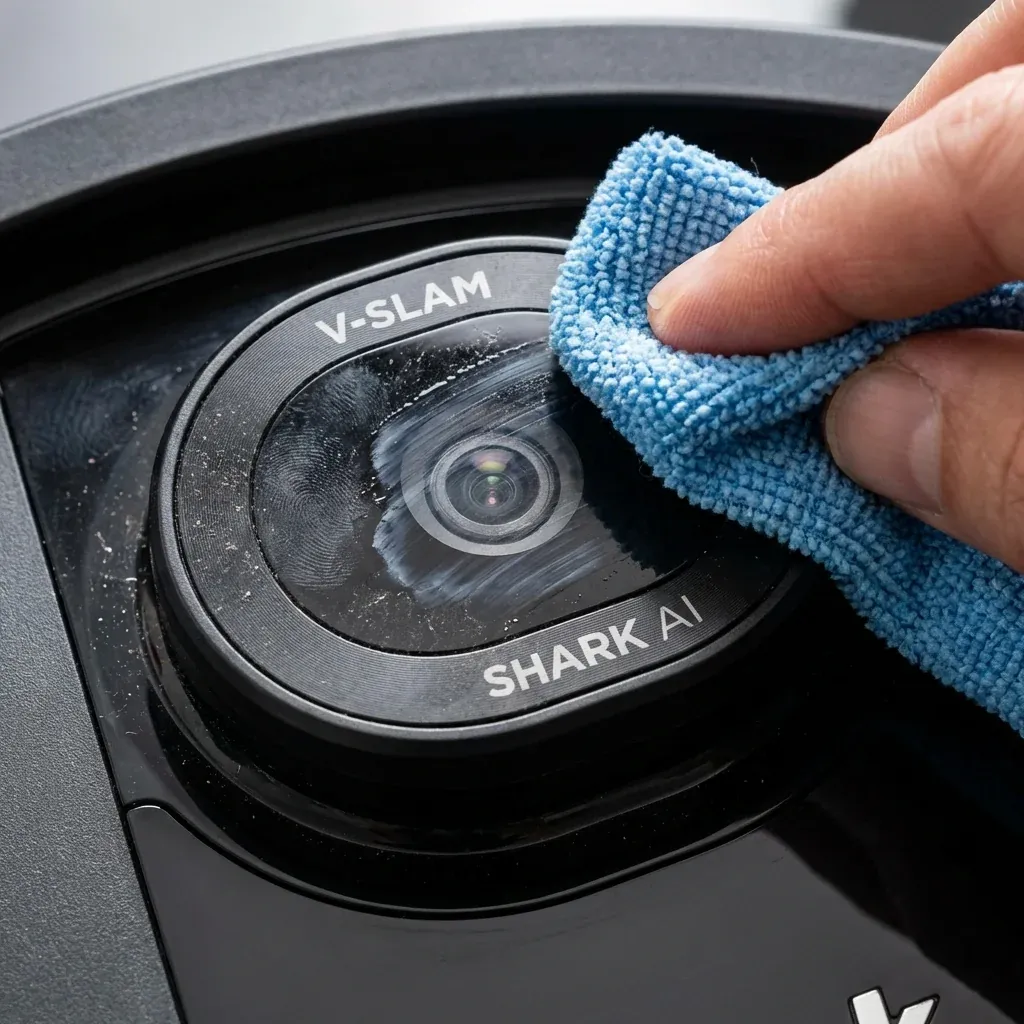
Shark’s AI and Matrix series robots use forward-facing cameras for object avoidance. These cameras allow the robot to see and avoid obstacles like cables, pet waste, and furniture legs.
Shark AI and Matrix robots use cameras for object avoidance. Learn how to clean blocked cameras, fix false obstacle detection, and improve navigation.
- Symptoms: Robot avoids areas with no obstacles, Camera lens looks dirty or smudged, Robot bumps into objects it should avoid, App shows ‘Camera Error’
- Tools: Microfiber Cloth, Flashlight
- Difficulty: Easy
When the camera is blocked or dirty, the robot may navigate erratically or detect phantom obstacles.
1. Where is the Camera?
- Shark AI Series: The camera is a small lens on the front bumper, usually centered or slightly offset.
- Shark Matrix Series: Some models have additional downward-facing cameras for cliff detection.
Look for a small black or clear lens (about the size of a pencil eraser) on the front of the robot.
2. Signs of Camera Problems
- Robot avoids empty areas as if obstacles exist.
- Robot bumps into objects it should see (like chair legs).
- App displays “Camera Obstructed” or similar error.
- Night cleaning fails (camera needs some light).
3. How to Clean the Camera
Step 1: Power Off
Turn off the robot using the power switch. Do not clean while running.
Step 2: Locate the Lens
Use a flashlight to find the camera lens on the front bumper.
Step 3: Wipe Gently
- Use a dry microfiber cloth only.
- Gently wipe the lens in a circular motion.
- Do NOT press hard or use liquid cleaners.
- Do NOT use paper towels (they scratch).
Step 4: Check for Damage
If the lens is cracked or deeply scratched, it may need professional replacement.
4. Improving Camera Performance
| Tip | Why |
|---|---|
| Keep some lights on | Cameras need ambient light to function |
| Reduce reflective surfaces | Mirrors and glass can confuse the camera |
| Remove transparent obstacles | Clear plastic bins may be invisible to the camera |
| Clean lens weekly | Dust accumulates faster than you think |
5. When Cameras Don’t Help
Camera-based robots excel at avoiding large, solid obstacles but may still struggle with:
- Very thin objects (single cables).
- Very dark objects (black furniture legs).
- Moving objects (pets walking through).
For these, use the app’s No-Go Zone feature to mark problem areas.
Shark Rotator NV501 Replacement Parts: A Complete Guide
TIP: If you run your robot at night, leave a nightlight on in the room. Complete darkness disables camera-based avoidance, causing the robot to rely solely on bump sensors.