Is your brush roll light still red after cleaning? Learn the specific power-cycling steps to force a hard reset on your Shark Rotator's control board.
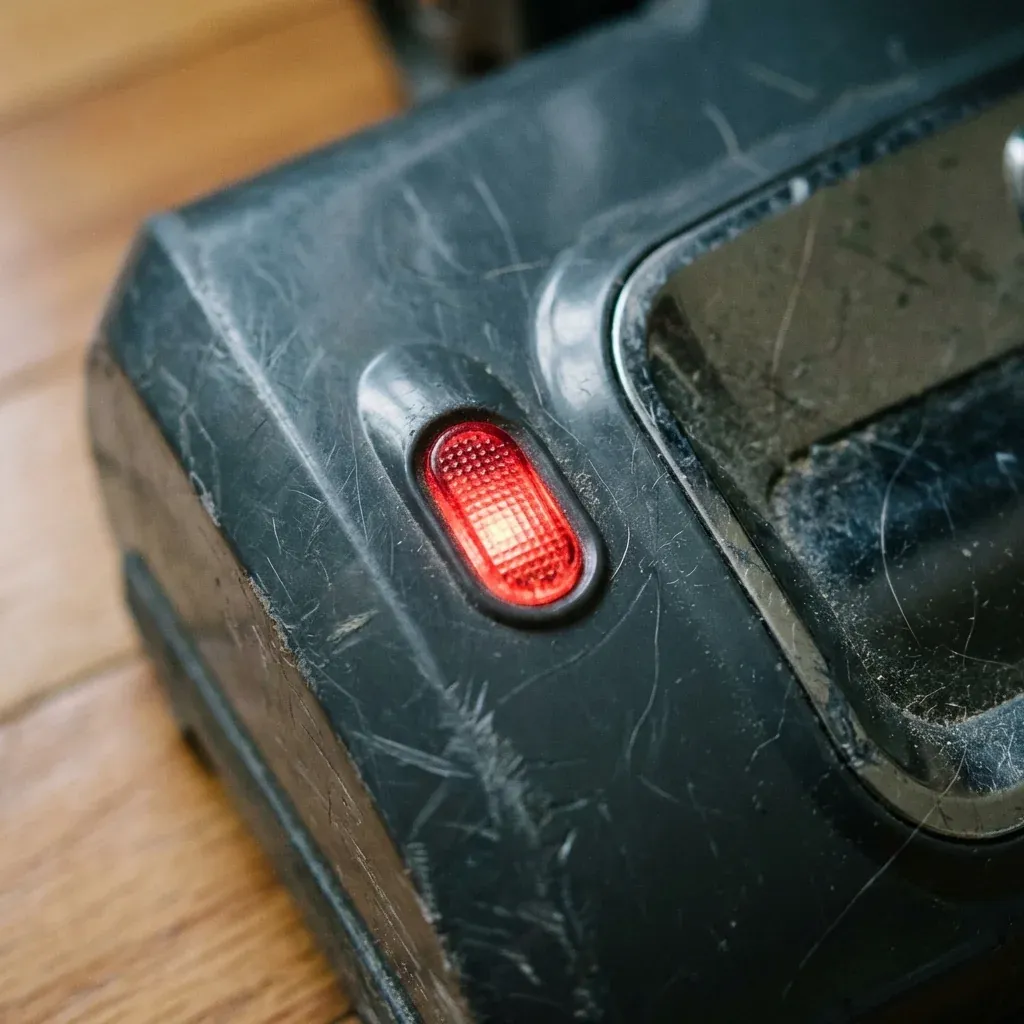
Sometimes, clearing the hair from your Shark Rotator isn’t enough to get it working again. The vacuum’s internal computer (the control board) might remember the “error state” and refuse to send power to the brush roll even if the obstacle is gone.
Is your brush roll light still red after cleaning? Learn the specific power-cycling steps to force a hard reset on your Shark Rotator’s control board.
- Symptoms: Indicator light stays red even after hair is removed, Brush roll won’t start after a jam, System feels ‘glitched’ or unresponsive
- Tools: none
- Difficulty: Easy
If you have a persistent red light, you need to perform a Hard Reset. This clears the electronic memory and forces the vacuum to re-check its sensors.
Step 1: The Total Power Cut
The first and most important step is to remove all residual electricity from the circuit.
- Turn the power switch to the OFF (O) position.
- Unplug the vacuum from the wall outlet.
- Wait for 45-60 Minutes. This is not just for cooling; it allows the capacitors on the control board to fully discharge. Plugging it back in too early will result in the same “error memory” staying active.
Step 2: Clear the “Memory” Loop
While the vacuum is unplugged, we want to ensure the mechanical parts are ready for a fresh start.
- Toggle the power switch from ON to OFF five times. This helps drain any tiny amount of “phantom power” left in the switch assembly.
- Press the Lift-Away release and re-seat the pod as firmly as possible. A slightly loose pod can prevent a successful reset signal from reaching the nozzle.
Step 3: The Proper Startup Sequence
How you turn the vacuum back on matters. Follow this specific sequence:
- Plug the vacuum back into a different outlet than before (this ensures you aren’t dealing with a tripped house breaker).
- Recline the vacuum handle (tilt it back). Many Rotators will not engage the brush roll if the vacuum is standing perfectly upright.
- Move the switch directly to Position II (Carpet).
- Listen for a “thunk” sound—that is the solenoid engaging the brush motor.
When a Reset is Not Enough
If you follow this sequence and the light immediately clicks from green to red, the problem is no longer logical—it’s physical.
- The Motor is Burnt: If you smell ozone or “electric fire,” the motor has a short circuit.
- The Wire is Pinched: Check the cable running down the side of the vacuum for any kinks or flat spots.
| Problem | Recommended Fix |
|---|---|
| Unplug for 60 mins | Discharge the control board |
| Toggle switch 5 times | Drain residual power |
| Re-seat the pod | Ensure clean electrical contact |
| Tilt handle back | Engage the safety microswitch |
Shark Rocket Floor Nozzle Not Spinning? Connectivity Fix
TIP: To avoid needing a hard reset in the future, try not to “stall” the motor. If you hear the vacuum struggling on a high-pile rug, move the Suction Control on the handle to OPEN immediately. This reduces the load on the motor and prevents the safety trip from triggering.