Is your Shark Wandvac flashing blue or yellow and refusing to turn on? Learn what the light codes mean and how to fix charging dock connection issues.
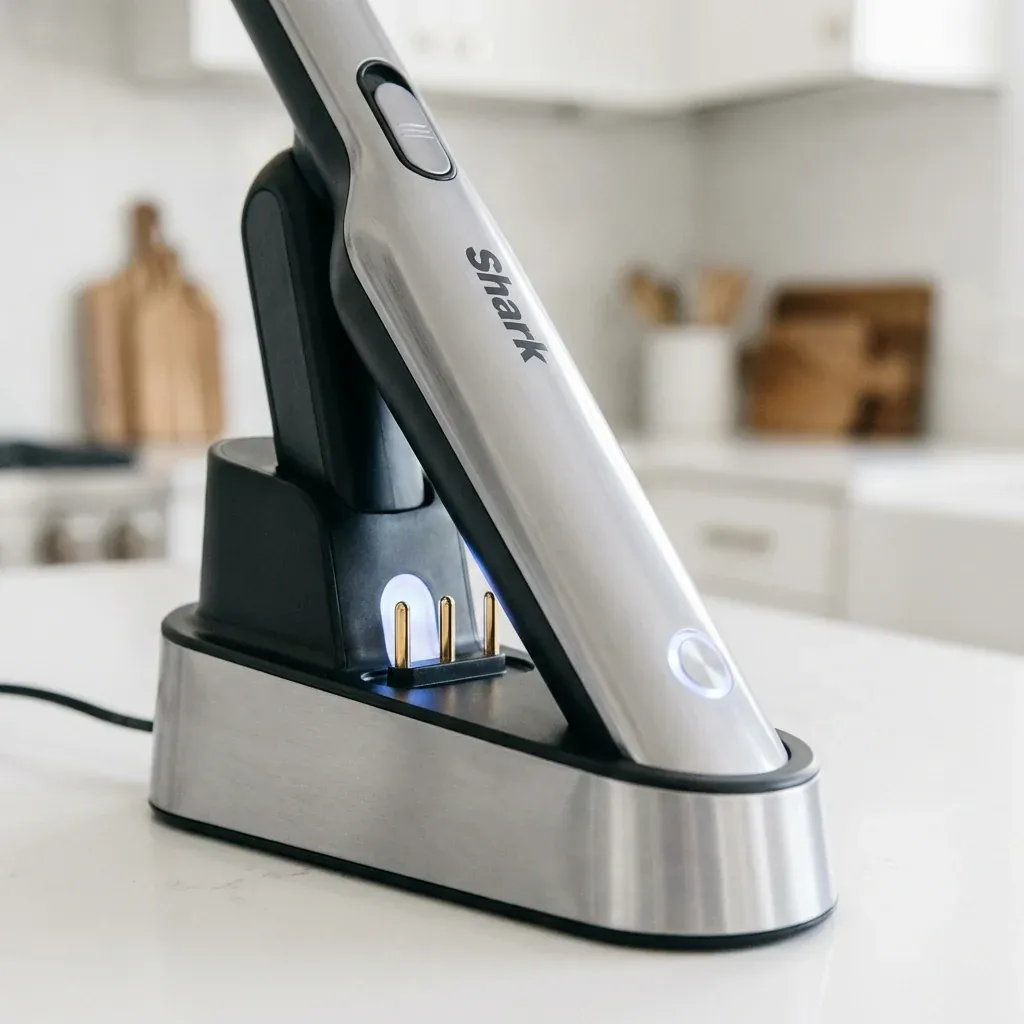
The Shark Wandvac (WV200 series) and Wandvac System (WS632) are designed to be “grab-and-go” tools. However, because they rely on a constant connection to a specialized charging dock, they are prone to contact oxidation and battery logic errors that manifest as blinking lights.
Is your Shark Wandvac flashing blue or yellow and refusing to turn on? Learn what the light codes mean and how to fix charging dock connection issues.
- Symptoms: Blinking blue light while on the dock, Solid yellow light prevents operation, Vacuum works for 10 seconds and then flashes, Dock power light is off
- Tools: Rubbing Alcohol, Cotton Swab
- Difficulty: Easy
If your Wandvac is flashing instead of cleaning, use this diagnostic key to find the fix.
1. What the Blinking Lights Mean
Shark uses two primary colors to signal errors on the Wandvac series: Blue and Yellow.
- Blinking Blue (While Charging): This is normal; it indicates the battery is currently taking a charge. If it never stops blinking after 4 hours, the battery is unable to reach full capacity.
- Rapid Blinking Blue (When Using): The battery is critically low. It needs to return to the dock immediately.
- Solid Yellow Light: This is a “Thermal or Battery Fault.” The unit is too hot or the battery has a permanent cell failure. Let it cool for 60 minutes.
- No Lights at All: The unit is either fully charged (normal) or the dock is not receiving power.
2. Fixing the “No Charge” Dock Issue
Wandvacs often “lean” slightly on their docks. If the vacuum is tilted by just 2mm, the metal charging plates won’t touch, and the unit will drain slowly over several days.
- The Fix: Wipe the two silver teardrop-shaped contacts on the back of the vacuum and the two spring-loaded pins on the dock with rubbing alcohol. Even a single fingerprint or a speck of dust can block the low-voltage charging current.
3. The “Power Cycle” Reset
If your Wandvac is stuck with a solid light and won’t respond to the power button, the internal firmware needs a hard reboot.
- Remove the Wandvac from the charging base.
- Press and hold the Power Button for a full 20 seconds.
- Wait 10 seconds.
- Place it back on the dock. You should see a single blue pulse, indicating a fresh handshake with the charger.
4. The Replacement Battery (WV201 only)
Most original Wandvacs (WV200/WV201) have a replaceable battery hidden under a small door on the handle. If your Wandvac only lasts 2 minutes even after a full charge, the lithium-ion core is dead.
- Tip: Look for the model number on the side. If it says “WV201,” you can buy a new battery pack for about $30, which is much cheaper than buying a whole new unit.
Wandvac Error Key
| Light Pattern | Meaning | Solution |
|---|---|---|
| Pulsing Blue | Charging | Normal operation |
| Solid Blue | Fully Charged | Normal (turns off after 5 mins) |
| Blinking Yellow | Motor Jam | Clear clogs from the nozzle |
| Solid Yellow | Software/Heat Fault | Let cool 60 mins / Hard reset |
TIP: Never store your Wandvac dock in a bathroom or near a sink. High humidity can cause the silver charging pins to corrode, which will lead to the “No Light” error where the vacuum sits on the dock but never gets power.