Is your Shark stick vacuum turning off after 5 minutes? Learn how to clear hidden clogs and find the second filter that most owners forget to clean.
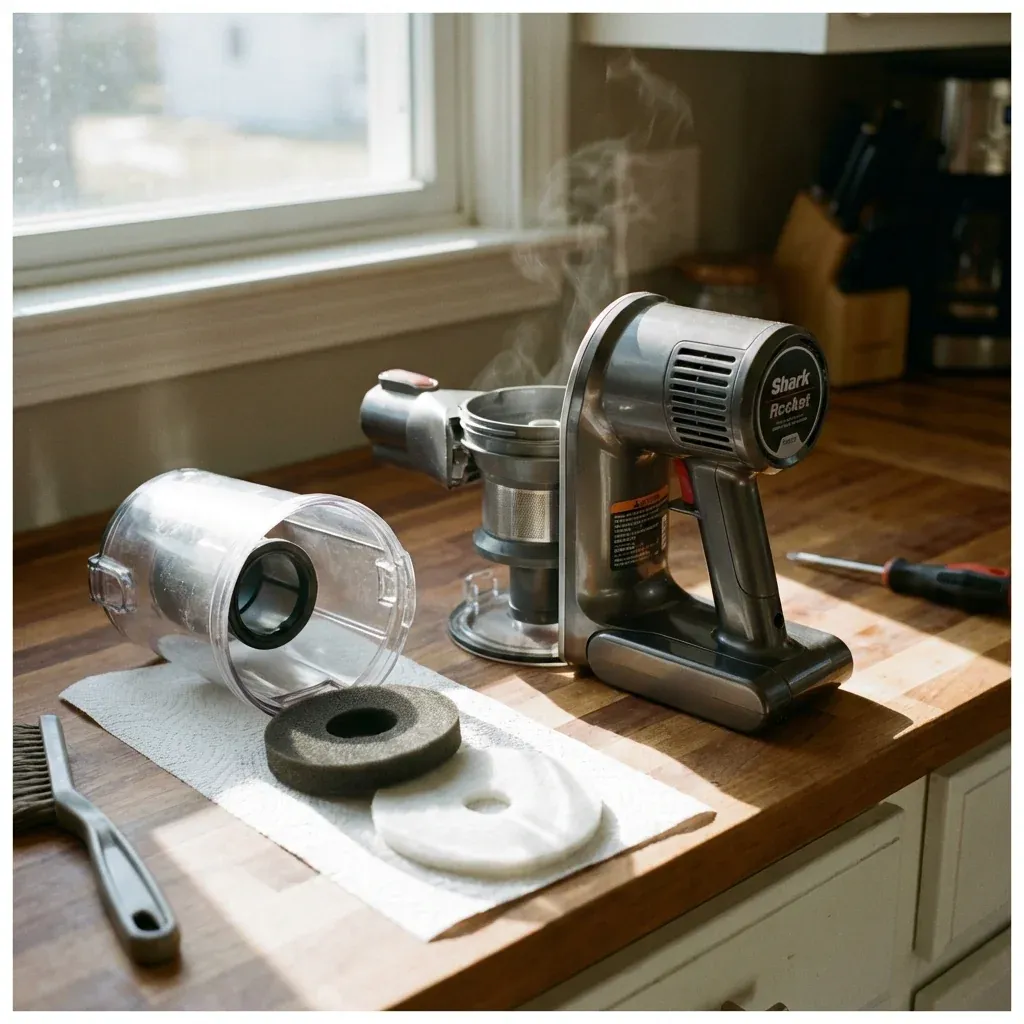
The Shark Rocket series (including the HV300, HV320, and IZ series) place a high-performance motor in a very small housing. To stay cool, the motor requires massive amounts of airflow. If that airflow is restricted even slightly, the vacuum will reach its “Thermal Cutoff” temperature and shut down to prevent the motor from melting.
Is your Shark stick vacuum turning off after 5 minutes? Learn how to clear hidden clogs and find the second filter that most owners forget to clean.
- Symptoms: Vacuum turns off suddenly during use, Air coming from the motor pod feels very hot, Suction has dropped by 50%, A red light is flashing on the motor pod
- Tools: Running Water, Long Stick or Broom Handle
- Difficulty: Easy
If your vacuum won’t stay on for more than a few minutes, you have a restriction in one of three places.
1. The “Hidden” Post-Motor Filter
Most Shark Rocket owners know about the foam filter inside the dust cup. However, many models have a second filter located on the top or side of the motor pod.
- The Fix: Locate the “Filter Access” door (usually near where the air exhausts). Remove the thin felt or HEPA filter. If it looks grey or black, it is blocked. Wash it with plain water and let it dry for 24 hours. Never run the vacuum with damp filters.
2. The Wand “Penny Test”
Clogs in stick vacuums often hide in the long metal wand, where they are impossible to see without a flashlight.
- The Test: Drop a penny or a small marble through the top of the wand while holding it vertically.
- The Fix: If the penny doesn’t fall out the bottom, you have a clog. Use a broom handle or a long stick to push the debris through. Clogs thường include hair, dryer lint, and small toy pieces.
3. The Dust Cup “Throat”
Even if the bin looks empty, the “entry point” where the wand meets the dust cup can become choked with pet hair.
- The Fix: Unclip the wand from the hand-vac portion. Look inside the hole where the suction comes in. Use your finger or a pair of tweezers to pull out any “clump” of dust that has formed at the intake valve.
4. Resetting the Thermal Switch
Once a Shark Rocket overheats, it will not turn back on immediately, even if you clear the clog. The internal thermostat must cool down.
- Unplug the vacuum (or remove the battery).
- Clear all filters and clogs.
- Let the motor pod sit undisturbed for 60 minutes.
- Plug it back in and try again.
Overheating Troubleshooting Chart
| Blockage Source | How to Identify | Fix |
|---|---|---|
| Foam Filters | Visible dust/dirt | Wash & air dry 24h |
| Post-Motor Filter | Grey/Black color | Replace or wash (model dependent) |
| Metal Wand | Penny Test failure | Push out with broom handle |
| Floor Nozzle | Brush not spinning | Clear hair from spindle |
CAUTION: Repeatedly triggering the thermal cutoff can weaken the motor’s internal insulation. If your vacuum has overheated more than 10 times, the motor may produce a “burning smell” and fail permanently. Address suction loss immediately.