Is your Shark robot dying in the middle of the room? It usually means a dirty sensor or bad dock placement. Here is how to help your robot find its way home.
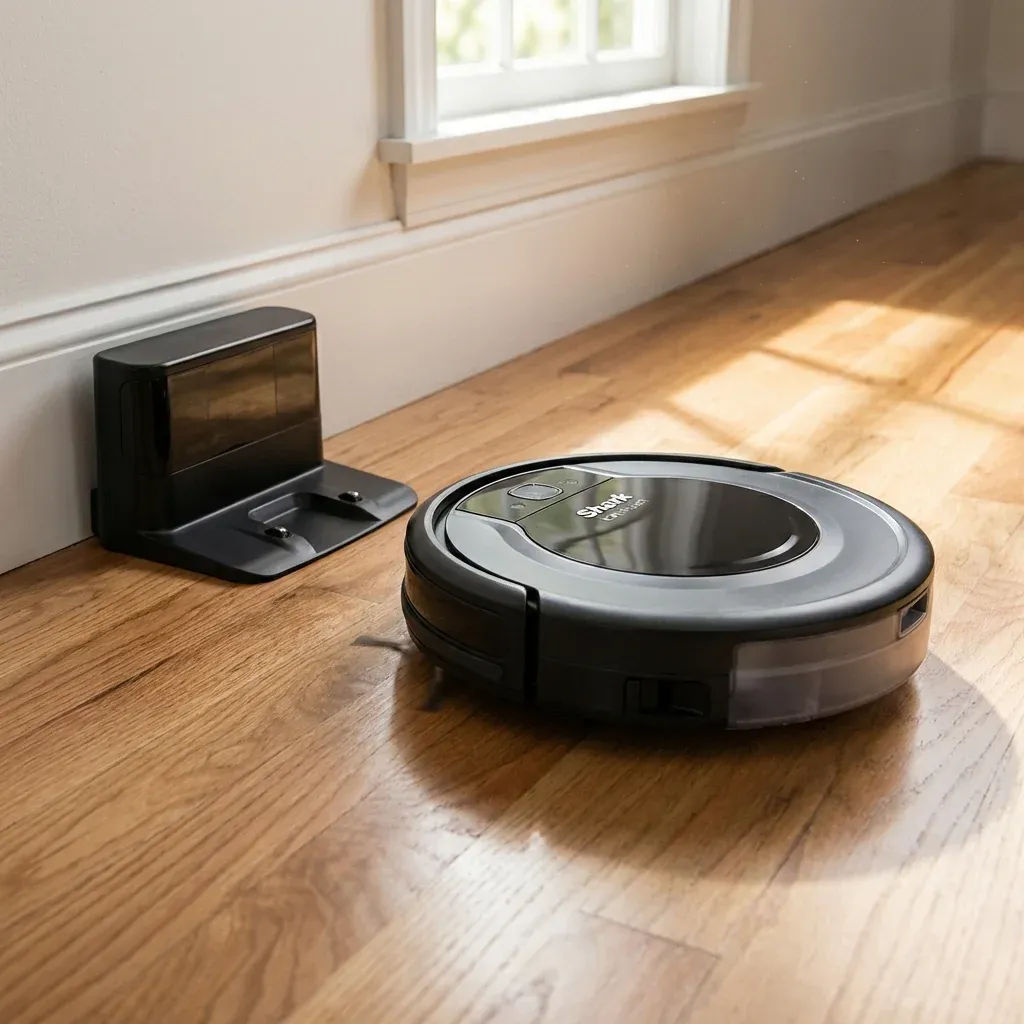
You bought a robot vacuum to make your life easier, not to play “hide and seek” with a dead machine under the sofa every day. If your Shark Ion Robot cleans fine but never makes it back to the charger, it’s not broken—it’s just confused.
Is your Shark robot dying in the middle of the room? It usually means a dirty sensor or bad dock placement. Here is how to help your robot find its way home.
- Symptoms: robot dies before docking, robot ignores dock, robot spins near dock
- Tools: dry cloth, rubbing alcohol (optional)
- Difficulty: Easy
The robot relies on an infrared (IR) beam to “see” the dock. If that beam is blocked, reflected, or weak, the robot is flying blind.
Here are the 3 most common reasons why your robot gets lost, and how to fix them.
1. The “Clearance Zone” Rule (Most Common)
Shark recommends a specific amount of empty space around the dock. If you put the dock hidden in a tight corner or between furniture, the signal bounces off potential obstacles, confusing the robot.
Top 5 Lightweight Shark Vacuums for Arthritis Sufferers
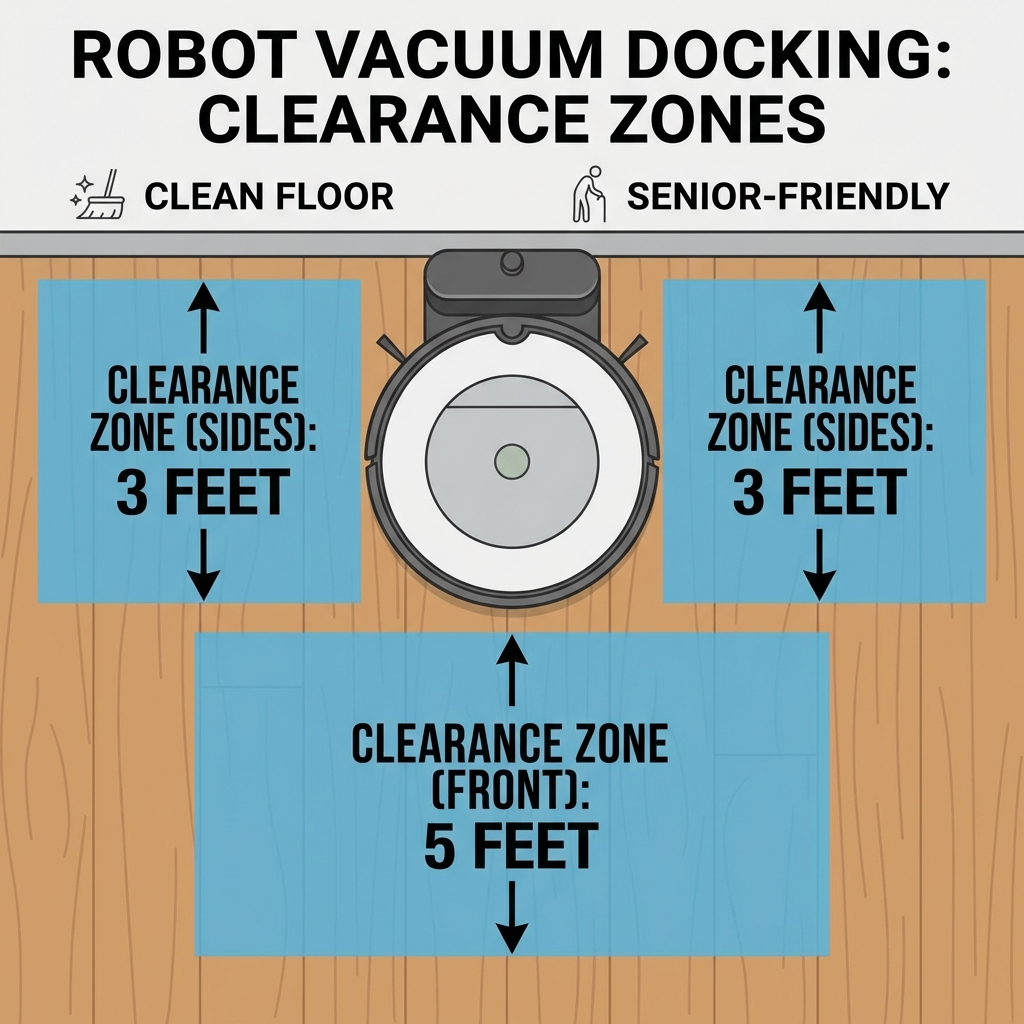 Figure 1: The dock needs a “Landing Strip” to guide the robot in.
The Golden Rule of Placement:
- 3 Feet (1 Meter) on Each Side: No chairs, trash cans, or curtains crowding the dock.
- 5 Feet (1.5 Meters) in Front: A clear straight path for the final approach.
- Hard Floor: Always place the dock on hard flooring, not thick carpet (which can tilt the dock).
2. Dirty “Eyes” (Sensors)
The robot and the dock talk to each other using invisible light. If the sensors are covered in dust, they can’t “hear” the conversation.
How to Clean Them:
- The Robot: Wipe the two metal charging pads on the bottom and the black plastic sensors on the front bumper.
- The Dock: Wipe the shiny black plastic window on the dock base.
- Use a Dry Cloth: A microfiber cloth works best. If there is sticky gunk, use a tiny bit of rubbing alcohol.
Pro Tip: If you have pets, check the front caster wheel. If hair is wrapped around it, the robot might wobble, causing it to miss the charging contacts.
3. Lighting and Interference
Believe it or not, the sun can blind your robot.
- Bright Sunlight: If the dock is in direct, harsh sunlight, the infrared signal can be washed out. Try moving it to a shadier spot.
- Mirrors: Floor-length mirrors can reflect the signal, making the robot think there are two docks.
How to Test It
After moving the dock or cleaning the sensors, don’t wait for the next schedule.
- Put the robot 3 feet in front of the dock.
- Press the “Dock” button.
- Watch it. It should wiggle, line up, and drive straight in. If it does this successfully, your problem is solved!