Flashing red lights on your Shark Ion? Decode the blink patterns for Clean, Dock, and Max lights to find the exact fix for your model.
Your Shark Ion Robot speaks to you, but it doesn’t use words—it uses lights. When it stops in the middle of a room and starts beeping or flashing, it’s trying to tell you exactly what is wrong.
Flashing red lights on your Shark Ion? Decode the blink patterns for Clean, Dock, and Max lights to find the exact fix for your model.
- Symptoms: flashing red lights, robot beeping, clean button blinking
- Tools: none
- Difficulty: Easy
Instead of guessing, use this decoder guide to translate those flashing lights into a solution.
How to Read the Lights
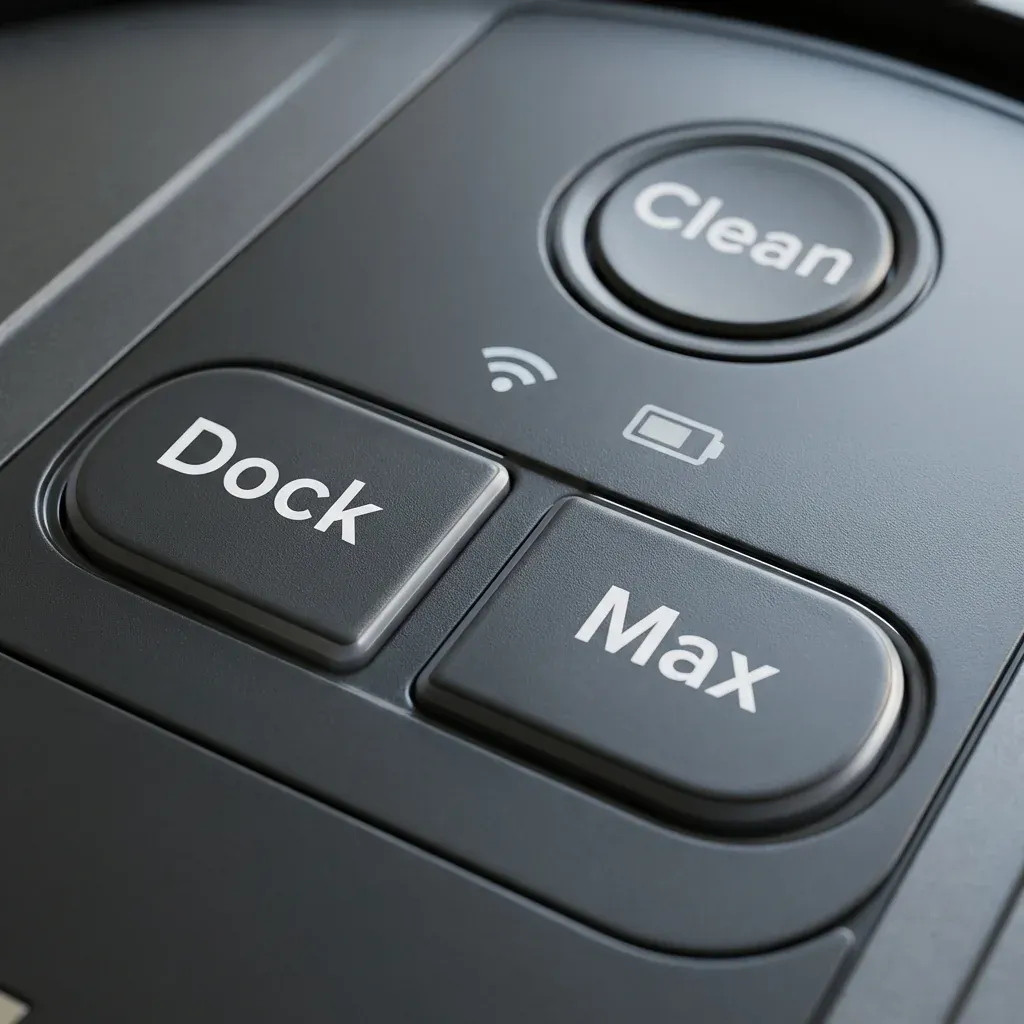
The robot uses three main lights on its top panel to communicate:
- Clean (The center button)
- Dock (The left button)
- Max (The right button)
Shark Rocket Cordless Battery Life: Why It’s Dying Fast
Most errors will show a Red Flashing Light on one or more of these buttons.
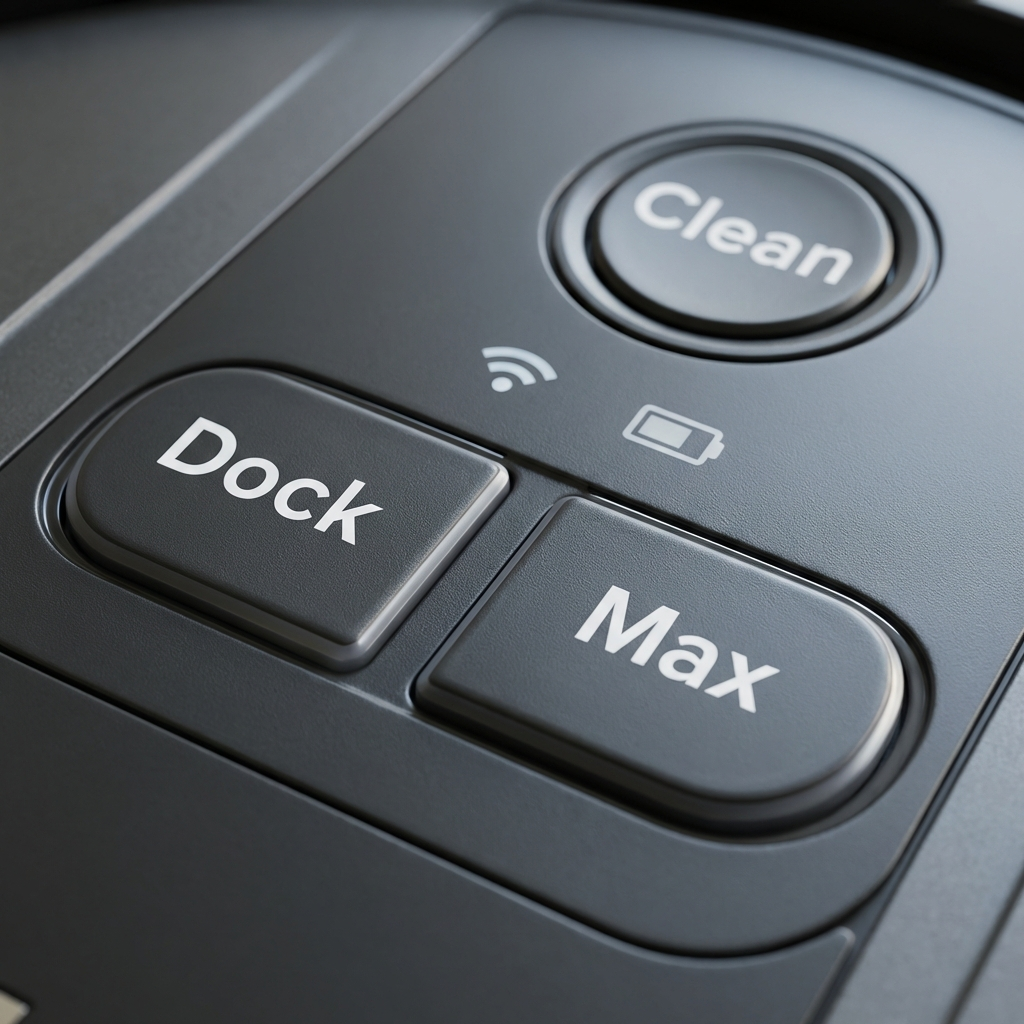 Figure 1: The three indicator lights that form the error codes.
The Master Error Code Table
Find the pattern that matches your robot below.
| Light Pattern | What It Means | How to Fix It |
|---|---|---|
| All Lights Off | Battery is Dead or Power Switch Off | Flip the side power switch to “I” (On). Place robot on dock manually. |
| CLEAN (Red) + DOCK (Red) | Robot is Stuck | The robot cannot move. Lift it and move it to a flat surface. |
| CLEAN (Red) Flashing | Suction Motor Issue | The dust bin is overstuffed or the filter is completely blocked. Empty and clean. |
| MAX (Red) Flashing | Side Brush Stuck | Check the two spinning brushes on the front corners. Hair is likely wrapped around them. |
| DOCK (Red) Flashing | Main Brushroll Stuck | Flip the robot over. Remove the plastic cover and cut away hair from the main roller. |
| CLEAN (Blue) + DOCK (Blue) | Cliff Sensors blocked | Detailed below. Wipe the 4 sensors on the bottom edge. |
Common “Tricky” Codes Explained
1. The “Cliff Sensor” Error
If your robot backs up and spins in circles or refuses to go over dark rugs, it’s a Cliff Sensor issue.
- The Cause: Dust covers the sensors, or the robot thinks a black carpet is a “cliff” (stairs).
- The Fix: Wipe the sensors with a dry cloth.
2. The “Wheel Wedge” Error
If the lights flash and the robot beeps 3 times, a drive wheel is likely wedged.
- The Cause: It drove over a sock or toy that is now jammed between the wheel and the housing.
- The Fix: Push the wheels up and down manually to dislodge the object.
3. The “Wi-Fi” Reset
If the blue Wi-Fi light is blinking slowly, it is in pairing mode. If it is red or off, it has lost connection.
- The Fix: Hold
Dock+Maxfor 15 seconds to resetting the Wi-Fi connection.