Is your Shark robot beeping at you? From 1 beep to 6, we translate the sounds into solutions so you can fix the error and get back to cleaning.
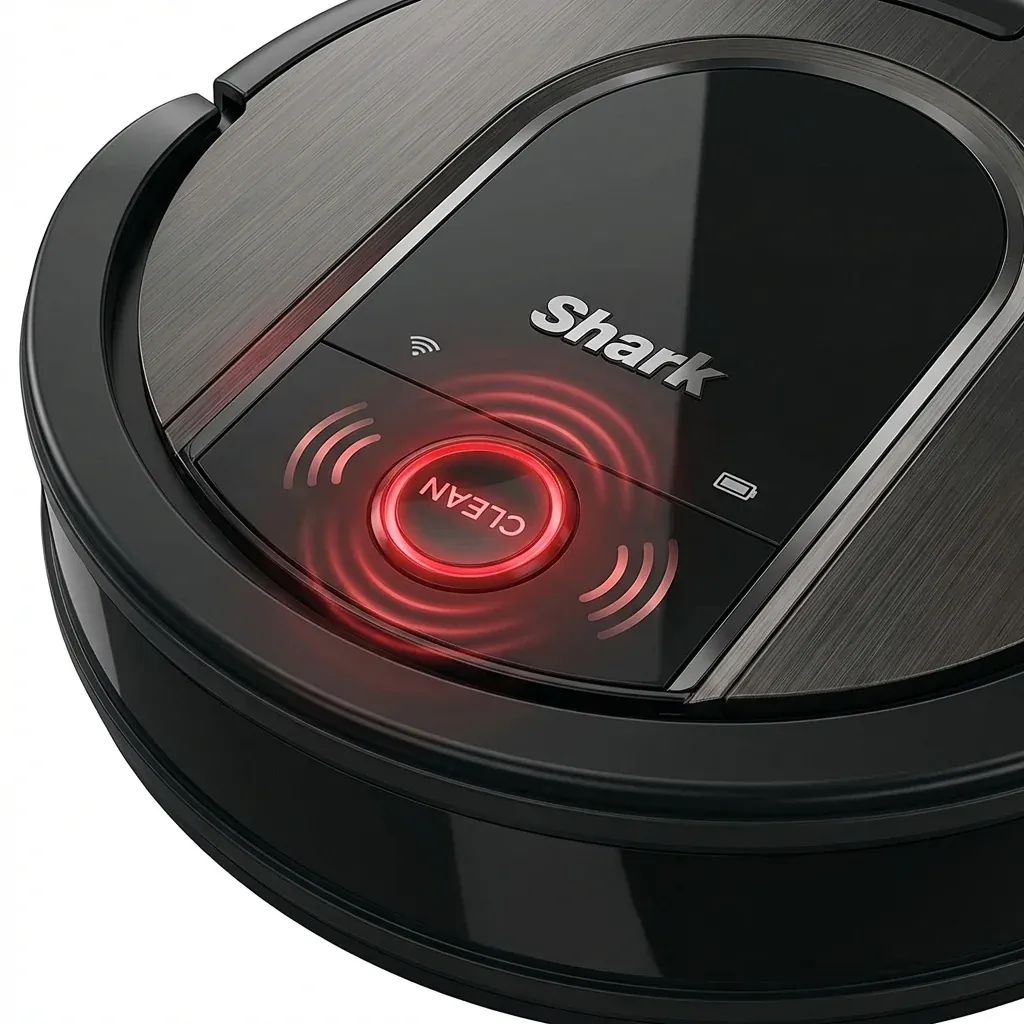
Sometimes your Shark robot won’t even bother with flashing lights—it will just beep. These audio alerts are designed to catch your attention when the robot is stuck or in trouble.
Is your Shark robot beeping at you? From 1 beep to 6, we translate the sounds into solutions so you can fix the error and get back to cleaning.
- Symptoms: robot beeping, robot stopped moving
- Tools: none
- Difficulty: Easy
If your robot is chirping like a bird, count the number of high-pitched beeps in a row. That is your code.
The Beep Code Table
Wait for the robot to stop moving and listen to the sequence. It will usually repeat the beeps several times.
Shark Matrix Robot User Guide (Large Print Edition)
| Number of Beeps | What It Means | Immediate Fix |
|---|---|---|
| 1 Beep | Robot is Stuck (Wheels/Bumper) | Move the robot to a flat surface and tap the bumper. |
| 2 Beeps | Side Brush Stuck | Flip the robot over and remove hair from the spinning brushes. |
| 3 Beeps | Drive Wheel Stuck | Check the large wheels for string, socks, or carpet fiber. |
| 4 Beeps | Suction Motor Issue | Empty the dust cup and clean the filters. Airflow is blocked. |
| 5 Beeps | Cliff Sensor Failure | Wipe the 4 sensors on the bottom of the robot with a dry cloth. |
| 6 Beeps | Charging Error | Ensure the dock is plugged in and the robot is aligned on the pins. |
Pro Troubleshooting Tips
The “Ghost” Beep
If your robot beeps once but the bumper feels fine, check the Front Caster-Wheel. If the small ball wheel in the front is jammed with sand or hair, the robot thinks it is hitting a wall.
Beeping While Charging
If the robot is on the dock and starts beeping, it’s not making a good connection.
- Turn the power switch OFF then ON.
- Wipe the metal pads on the dock with a dry cloth.
- Ensure the dock is on a flat, hard surface. Even a slightly tilted dock can prevent a solid charge.