Is your Shark showing a red light when the bin is empty? Learn how to clean internal sensors and airflow windows to keep your vacuum smart and efficient.
While the original Shark Navigators are mostly mechanical, newer “Advanced” and “Professional” models feature internal sensors that monitor airflow and dust levels. If these “eyes” get covered in fine dust, your vacuum might mistakenly think it is clogged or full, even if you just emptied it.
Is your Shark showing a red light when the bin is empty? Learn how to clean internal sensors and airflow windows to keep your vacuum smart and efficient.
- Symptoms: Red indicator light stays on, Vacuum sounds like it is pulsing, Dust cup full alert when it is mostly empty
- Tools: Microfiber Cloth, Cotton Swabs, Alcohol (70%)
- Difficulty: Easy
Follow this guide to keep your sensors clear and your indicator lights green.
Shark Navigator Power Switch Broken? How to Fix It
1. The Airflow Indicator Window
On most Navigator models, there is a small window or a light on the floor nozzle.
- Green: Airflow is clear.
- Solid Red: The brush roll is jammed.
- Flashing Red: The vacuum is overheating or the airflow is blocked.
How to Clean: If the light stays red even after clearing the brush, use a cotton swab dipped in rubbing alcohol to clean the clear plastic “window” covering the light on the floor nozzle. Sometimes dust builds up on the inside of this plastic, giving a false reading.
2. Cleaning the Internal Bypass Sensor
Inside the motor head, there is a small “door” or sensor that opens when suction is blocked. If pet hair gets stuck in this door, it can stay partially open, causing the vacuum to lose power or whistle.
How to Clean:
- Remove the dust cup.
- Look into the air intake hole on the main body of the vacuum.
- Use a flashlight to look for any wisps of hair or dust bunnies stuck in the internal valves.
- Gently pull them out with a pair of tweezers.
3. The Dust Cup “Full” Indicator (Newer Models)
Specific Shark Navigator models have a sensor inside the dust cup that detects when debris reaches the max fill line.
How to Clean:
- Empty the dust cup completely.
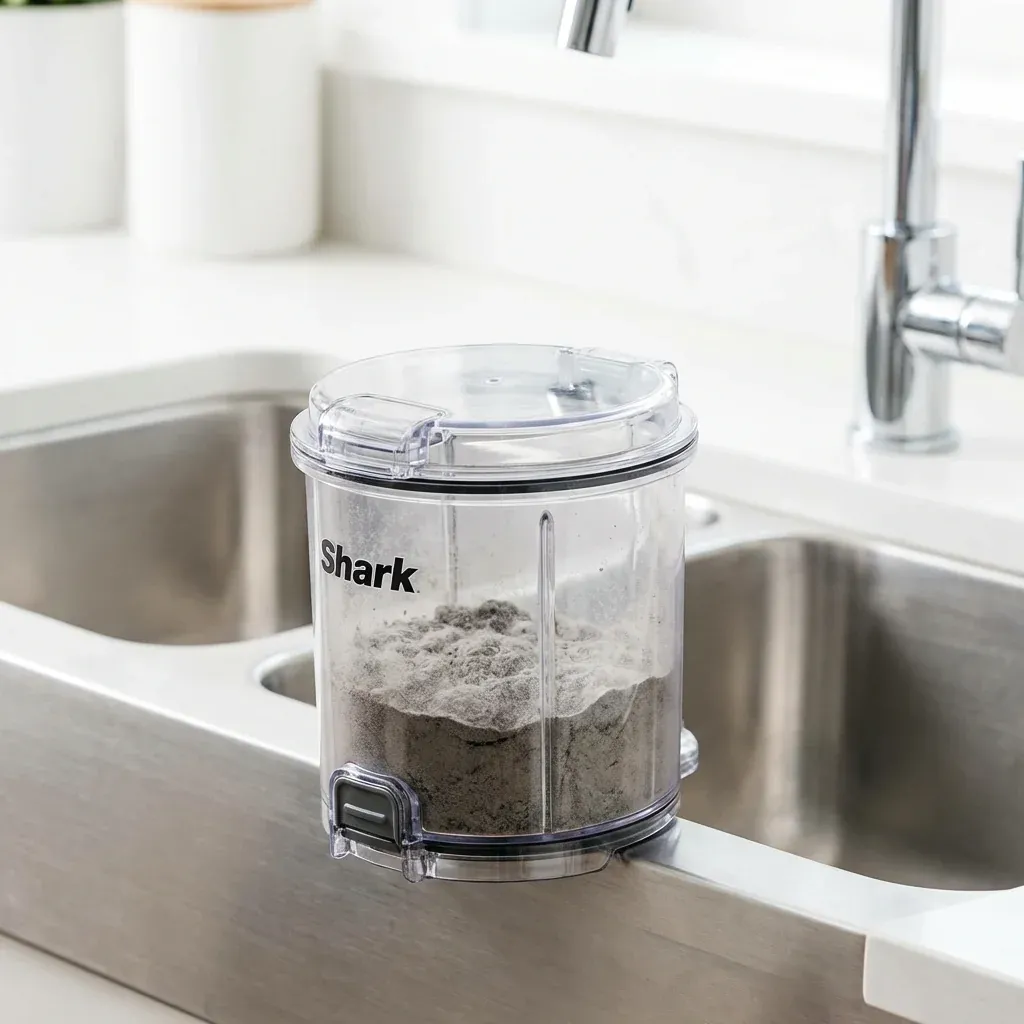
- Wipe the inside of the clear plastic walls with a damp microfiber cloth. Fine static-charged dust can cling to the walls, blocking the sensor’s “view.”
- Pay special attention to the top “cyclone” cone inside the cup. If the small holes in this cone are blocked, the sensor will trigger a “Full” alert immediately.
4. Cleaning the “Anti-Allergen” Seals
While not technically sensors, the rubber gaskets around your filters ensure the airflow stays on the right path. If these are dirty, air leaks out, and the sensors will report a “loss of suction.”
How to Clean: Wipe all black rubber gaskets with a damp cloth to ensure an airtight fit. This simple step often fixes “mysterious” red light issues.
IMPORTANT: Never use water directly on the electronic parts or indicator lights. Always apply moisture to a cloth first.
| Spare Part | Purpose |
|---|---|
| Airflow Window | Wipe with dry cloth |
| Internal Intake | Check for hair with flashlight |
| Dust Cup Walls | Wipe with microfiber cloth |
| Rubber Gaskets | Wipe with damp cloth |