Is your CrossWave flashing orange or blue? Decode the error indicators for Bissell multi-surface cleaners and cordless vacuums with this quick guide.
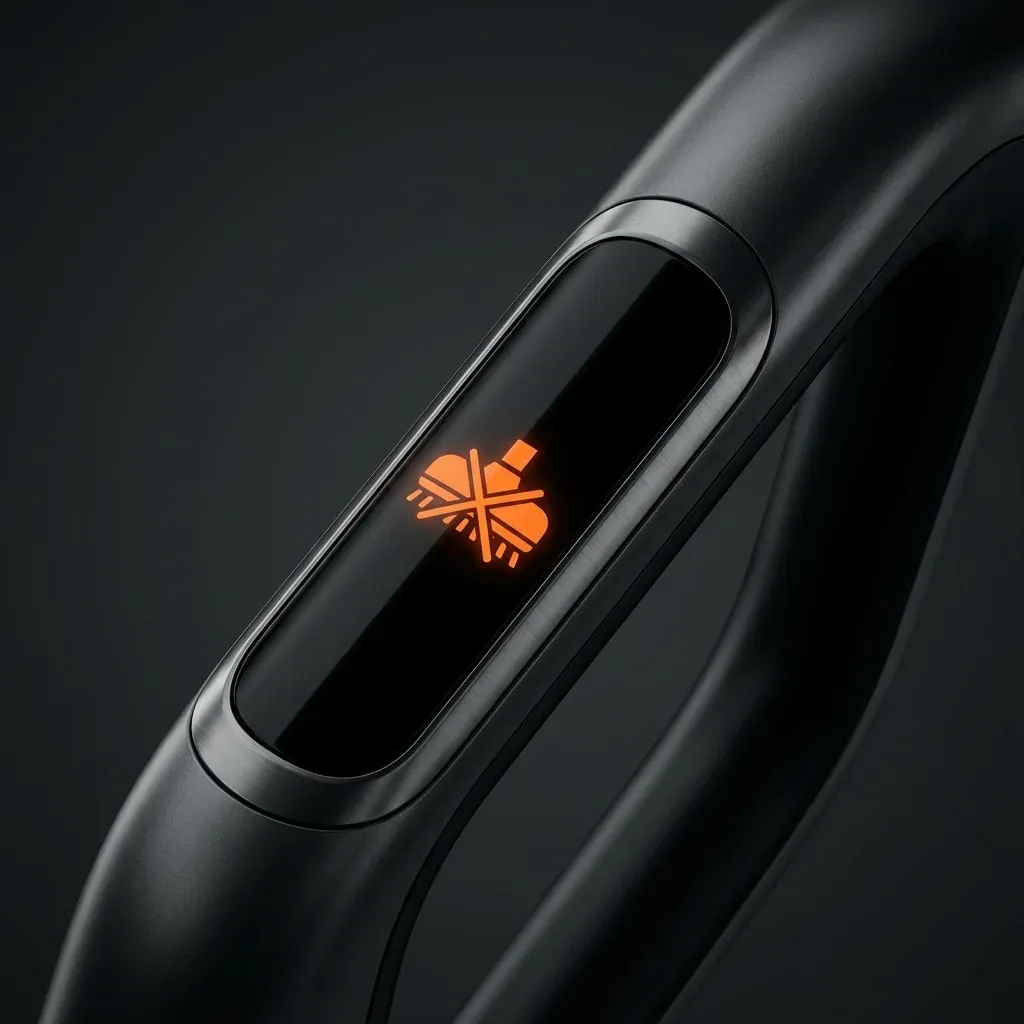
Newer Bissell machines like the CrossWave, ICONpet, and OmniForce use light patterns to communicate internal errors. Instead of numbers, these are usually colored flashes or icons on the handle.
Is your CrossWave flashing orange or blue? Decode the error indicators for Bissell multi-surface cleaners and cordless vacuums with this quick guide.
- Flashing Orange: Brush Roll Stall
- Solid Red: Suction Motor Error
- Pulsing Blue: Airflow Obstruction
- Difficulty: Easy
Bissell CrossWave Error Indicators
The CrossWave (Cordless and Pet Pro) typically uses the light behind the water tank and the handle buttons.
| Light Pattern | Meaning | Solution |
|---|---|---|
| Flashing Orange | Brush Roll Stalled | Remove the brush window and clear tangled hair or debris. |
| Solid Orange | Battery Charging Issue | Ensure the dock is plugged in and the robot is seated correctly. |
| Pulsing Red | Suction Error | Check the Dirty Water Tank; it might be full or the float is stuck. |
| Blue Handle Light | Clean Mode Active | No error; the machine is ready to wash floors. |
Bissell ICONpet Error Indicators
The ICONpet series has a digital interface on the front of the handle.
- Icon (Stalled Brush): The brush icon will flash. Turn off the vacuum and clear the floor nozzle immediately.
- Icon (Airflow): A circular arrow icon means the vacuum is “choking.” Wash your filters and check the stick for clogs.
- Battery Bar (Flashing): The battery is too hot. Let the vacuum rest for 30 minutes before charging or using again.
The “Dirty Tank” Float Error
A very common “phantom” error on the CrossWave is when the machine shuts off even when the tank isn’t full.
NOTE: The “Clean Hand” Advantage: One reason many seniors love the CrossWave is the “Easy Empty” tank. It uses a strainer to separate hair and large debris from the dirty water, so you can dump the mess without ever touching the grime.
- The Cause: The black float inside the dirty water tank is stuck in the “up” position.
- The Fix: Remove the tank and shake it until the float drops. Clean any slimy buildup around the float mechanism with warm soapy water.
IMPORTANT: Water Safety: Never tilt a CrossWave more than 45 degrees while the Dirty Water Tank has liquid in it. This can cause water to enter the suction motor, which will trigger a permanent red-light failure.